A refurbished tablet in Singapore can cost significantly less than buying new, with no real difference in day-to-day performance. The harder decision is which one to buy — iPad or Galaxy Tab, which generation, and how much to spend on specs you may not actually need. This guide breaks down how to choose so you land on the right tablet for how you'll actually use it.
iPad or Samsung Galaxy Tab — Which Should You Choose?
The choice usually comes down to your existing ecosystem, not which brand is "better." If you already use an iPhone or Mac, a refurbished iPad keeps everything working together seamlessly — AirDrop, iMessage, Handoff, and shared apps across devices. If you're on Android or a Windows laptop, a refurbished Samsung Galaxy Tab fits more naturally, especially with Samsung DeX turning the tablet into a makeshift desktop when docked.
Within the iPad range, the iPad Air (M2 or M3, depending on the refurbished unit) covers general use, note-taking, streaming and light creative work comfortably. The iPad Pro is worth the step up only if you're doing regular photo or video editing, working with Apple Pencil for design work, or want the ProMotion display — otherwise you're paying for headroom you won't use.
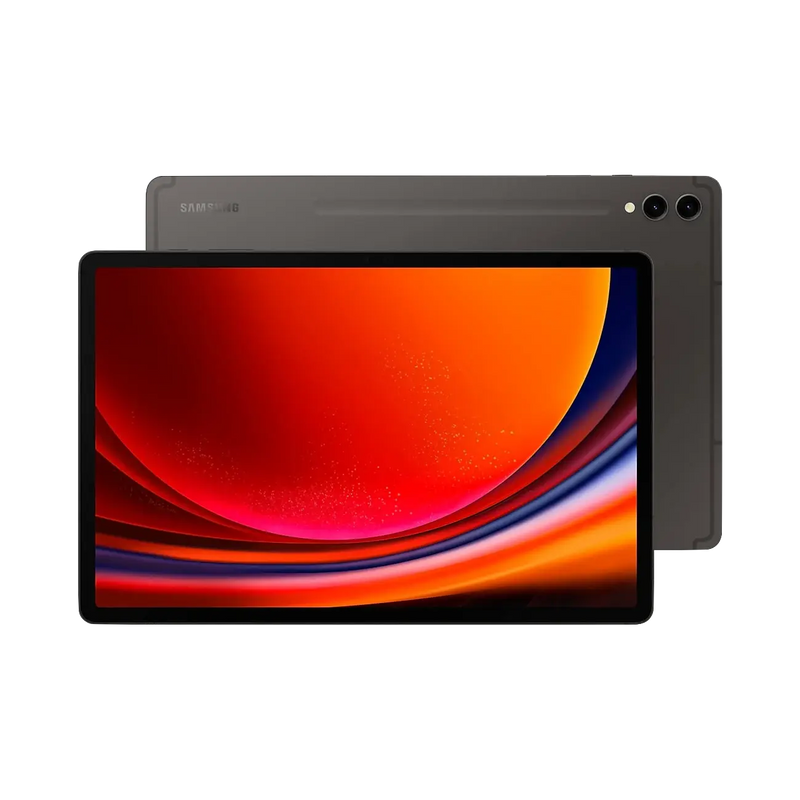
Within the Samsung range, the Galaxy Tab S9 and S10 series balance performance and price well for most buyers. The Tab S11 Ultra sits at the top for anyone who wants the largest screen and the most demanding multitasking setup, similar to how the iPad Pro positions itself above the Air.
What Specs to Prioritise When Buying a Refurbished Tablet
Chip generation. Newer chips mean longer software support. For iPad, M2 or later keeps you well within Apple's update window. For Samsung, recent Snapdragon or Exynos generations matter more than raw benchmark numbers for everyday smoothness.
Storage. 128GB is a sensible minimum if you're storing apps, media or offline files. 256GB is worth prioritising if the tablet is replacing a laptop for parts of your day.
Wi-Fi vs. Wi-Fi + Cellular. Cellular models cost more but mean you're not tethered to a hotspot. If the tablet mostly stays home or in the office, Wi-Fi-only is the more practical refurbished pick.
Screen size. 11-inch models are easier to carry and use one-handed; 12- to 13-inch (or Ultra-size Samsung) models suit split-screen multitasking and note-taking but are noticeably less portable.
Accessory compatibility. Check whether the specific generation supports the current Apple Pencil or S Pen, and whether a keyboard case is available for it. Older tablets sometimes drop compatibility with newer accessories.
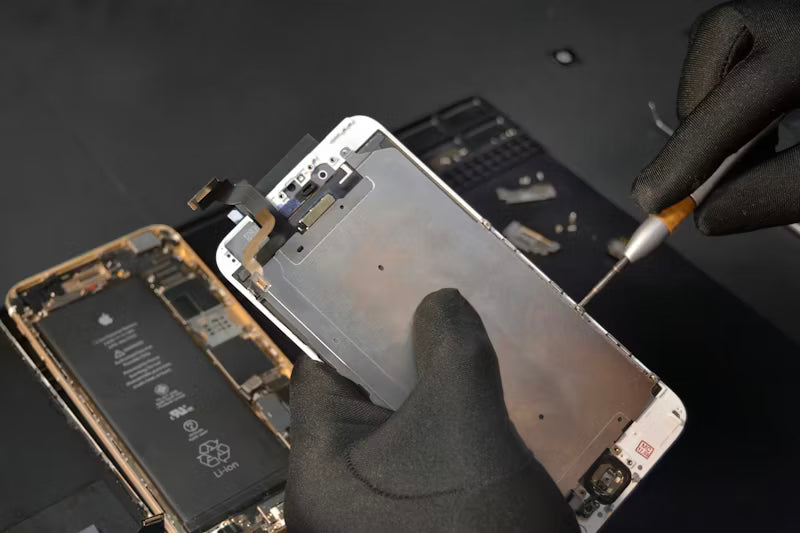
Battery health. This is the single most important condition check on any refurbished tablet. A tablet with a strong chip but a worn battery will still frustrate you daily. Battery health is tested and noted on every listing.
How Grading Works for Refurbished Tablets
Every refurbished tablet at Tech Pasar is graded — all grades pass the same full functionality check before listing.
Grade A — Looks close to unused. Little to no visible wear at arm's length.
Grade B — Light, visible signs of use. Small marks on the frame or screen, fully functional throughout.
Grade C — Noticeable cosmetic wear. Fully functional but sold as-is, with all defects disclosed on the listing. Grade C units are not eligible for return, so check the listing photos and description carefully before buying.
Frequently Asked Questions
Is it worth buying a refurbished tablet in Singapore?
Yes, when it comes from a certified retailer with clear grading and tested battery health. The savings against new retail are substantial, and a Grade A or B unit performs identically to new for daily use.
Should I buy an iPad or a Samsung Galaxy Tab refurbished?
It depends on your existing devices. iPad suits those already in the Apple ecosystem; Galaxy Tab suits Android and Windows users, especially if Samsung DeX's desktop mode is useful to you.
What's the difference between Grade A and Grade B on a refurbished tablet?
Grade reflects cosmetic condition only. Grade A shows little to no wear; Grade B shows light, visible marks. Both pass the same functionality checklist and perform the same day to day.
How much can I save buying a refurbished tablet instead of new?
Typically 30 to 50 percent below retail, depending on model, generation and grade — with larger savings on higher-end Pro and Ultra tiers.
Can I return a refurbished tablet if it's not as described?
Grade A and B units can be returned within 14 days of delivery. Grade C units are sold as-is and are not eligible for return.
What specs matter most for a refurbished tablet?
A recent chip generation, at least 128GB storage, and verified battery health. Everything else — screen size, cellular, accessory support — comes down to how you'll use it.
About Tech Pasar
Tech Pasar is Singapore's certified refurbished tech retailer. Every device — iPhones, Samsung Galaxy phones, MacBooks, iPads, Samsung Galaxy Tabs and premium audio — is individually inspected, graded and tested by our team before it goes on sale. Every listing shows the grade clearly, with battery health noted upfront, so there are no surprises at checkout. Browse our full tablet range